TintTemplates vs. DigiCut: How Installers Compare Per-Vehicle Files With a Pattern Platform
Why some installers choose per-vehicle files instead of, or alongside, a pattern platform, and how to score both for your own shop.
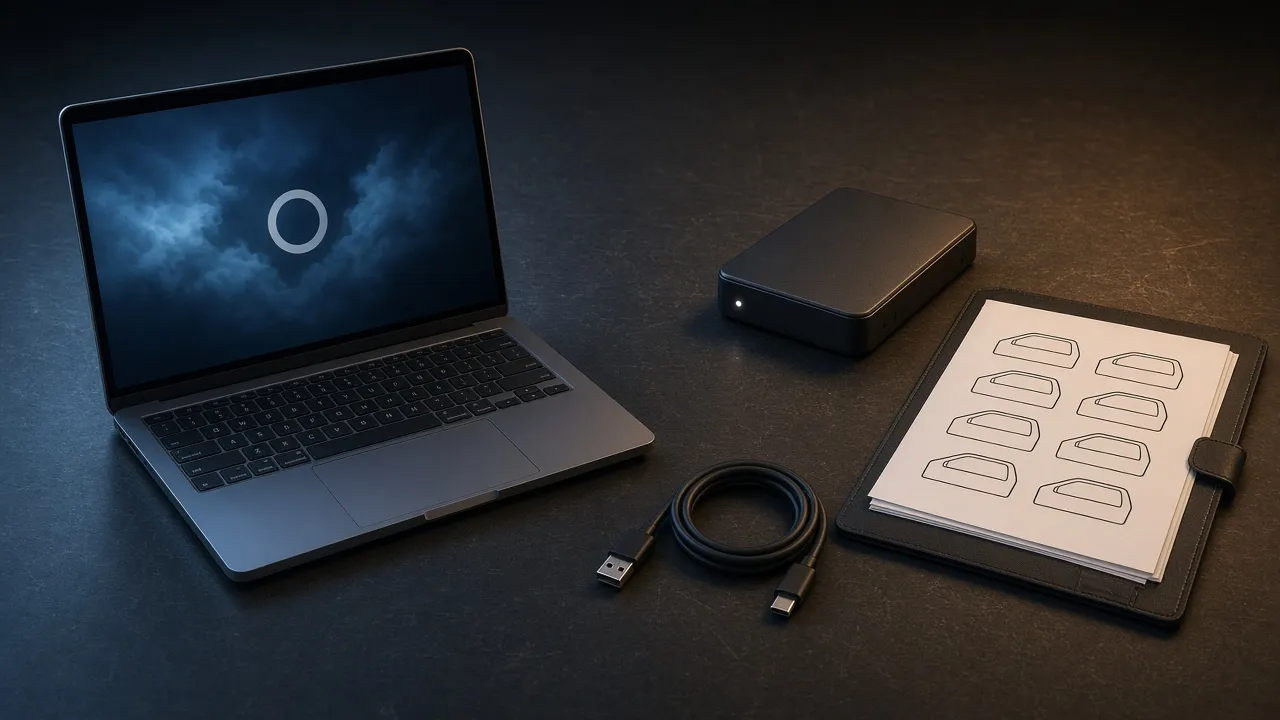
DigiCut is a pattern platform that pairs a vehicle library with its own software, typically on a recurring plan. TintTemplates sells individual vehicle templates as PDF files that you cut with your existing software. Installers who choose TintTemplates usually want per-vehicle pricing, files they can archive and use offline, and freedom to use their current cutter software. Others prefer a platform for breadth.
Key takeaways
- The core difference is the business model: a platform plan versus buying one vehicle at a time.
- PDF files cut from your existing software and keep working without an internet connection once downloaded.
- A platform can give immediate access to a very broad library, which some shops need.
- Score both options with the same criteria rather than relying on marketing claims, including ours.
- Platform features and pricing change. Check current details directly with the provider.
What each option is
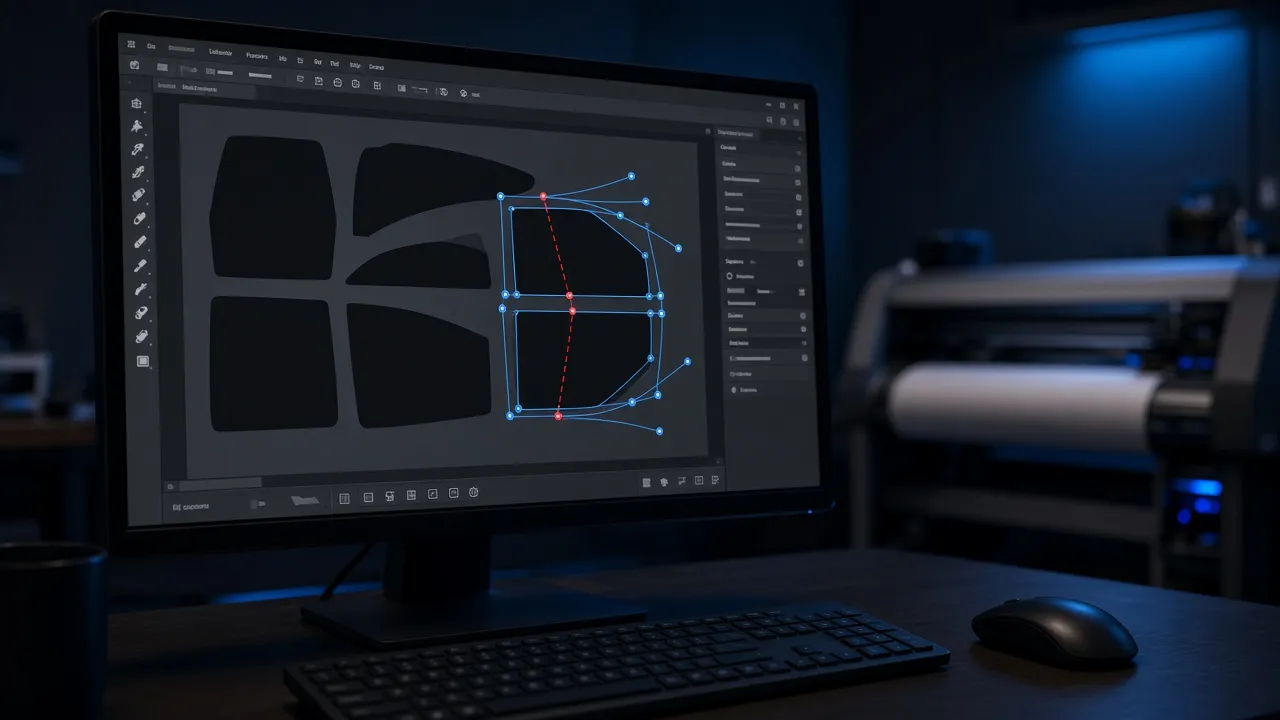
DigiCut is a well-known pattern platform in the tint industry. Platforms of this type combine a pattern library with software used to view and cut patterns, and are typically sold on a recurring plan. For current features, supported cutters and pricing, check with the provider directly.
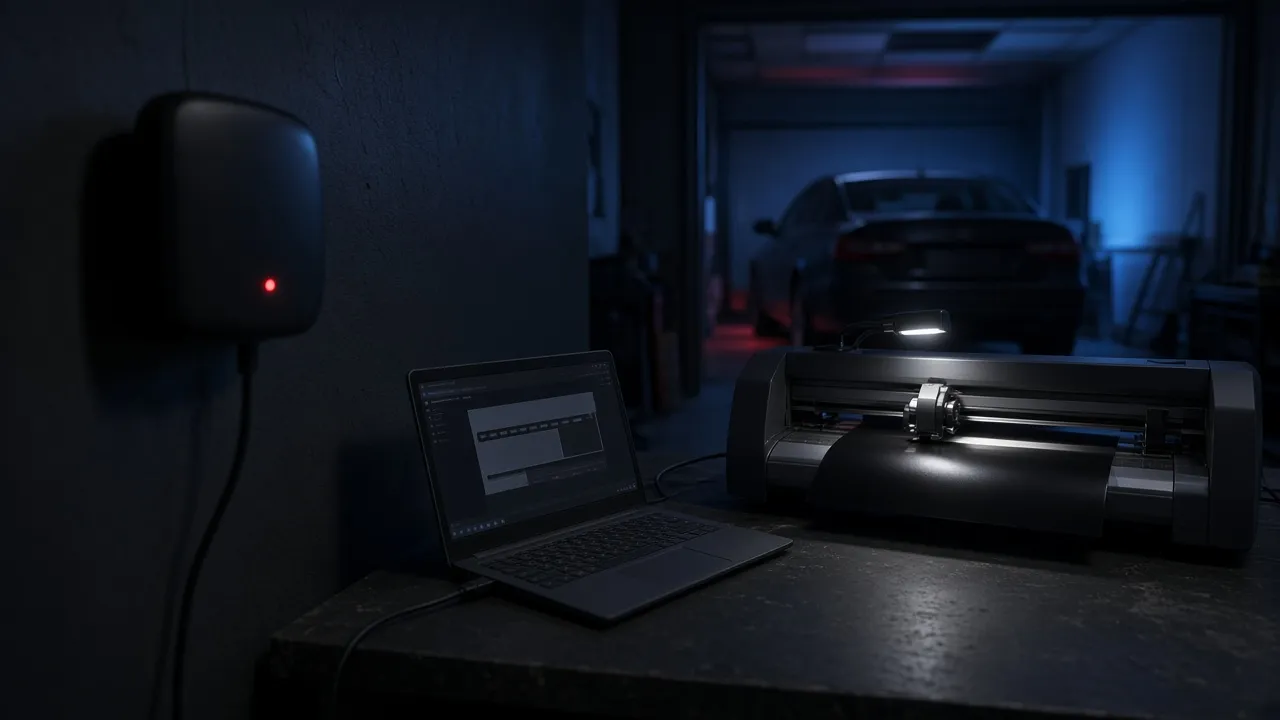
TintTemplates is a catalog of 574 vehicle templates from 48 makes. Each template is sold individually as a ZIP of PDF pattern files, ready for cutting, currently $14.99 per vehicle. You import the file into whatever cutting software drives your plotter.
Side-by-side comparison
| Factor | Pattern platform (general) | TintTemplates |
|---|---|---|
| Pricing model | Recurring plan for library access | Per vehicle, no subscription |
| Software | Typically the platform's own software | Your existing cutting or design software |
| File format | Platform-specific | PDF, ready for cutting |
| After download | Depends on platform terms | Files stay on your machine; dashboard access for six months |
| Offline cutting | Depends on platform | Yes, from downloaded files |
| Library breadth | Typically very broad | 574 vehicles, growing by customer request |
Why some installers choose per-vehicle files
- Spend follows bookings instead of a fixed monthly fee.
- Popular vehicles are bought once and reused from a local archive.
- Cutting keeps working during internet outages or account issues.
- No new software to learn; the shop keeps its current cutter workflow.
- Accuracy checked to within 1/16 of an inch, with support that corrects a wrong template.
Our cost comparison works through the numbers for different shop sizes.
When a platform may be the better fit
If your shop tints a very wide variety of vehicles at high volume, immediate access to a large library can outweigh the cost of a recurring plan. Some shops also prefer having patterns and software from a single provider. Neither choice is wrong; it is a fit question. Some installers use a platform for unusual vehicles and an owned archive for their most common ones.
A scorecard to compare any two options
- 1
Annual cost
Fixed fees plus per-template costs for the vehicles you actually tinted last year.
- 2
Coverage
Check your 20 most common vehicles in each catalog.
- 3
Workflow
Can you keep your current cutter software, or do you need new software and training?
- 4
Continuity
What happens if the internet is down or you stop paying?
- 5
Support and accuracy
Test a sample on a real vehicle and see how support handles a question.
Frequently asked questions
Is TintTemplates affiliated with DigiCut?
No. DigiCut is a trademark of its owner and is mentioned only for comparison.
Can I use TintTemplates files alongside a platform?
Yes. The files are PDF and can be cut from any software that imports vector artwork, so they work alongside other tools.
Do I need an internet connection to cut TintTemplates files?
Only to download them. Once saved, the PDF files can be cut offline.
Which is cheaper?
It depends on how many distinct vehicles you tint and how often they repeat. Use the same annual-cost formula for both.
How do I try TintTemplates before switching?
Download a free sample template from the home page and test it with your cutter and software.

Written by the TintTemplates team
TintTemplates was started in Southern California by former mobile window tint installers. Our templates are measured from real vehicles and used by shops every day. More about us.
Published · Last updated
DigiCut is a trademark of its owner. TintTemplates is not affiliated with, sponsored by or endorsed by it; names are used only to describe compatibility or for comparison. Product details for third-party tools can change, so confirm current features with the vendor.